Your favorite recipes
Save ingredients, steps, and photos. Organize recipes into categories so your favorites are easy to find.
 Resep.in
Save recipes, plan meals, check your pantry, and turn your cooking plans into shopping lists.
Explore features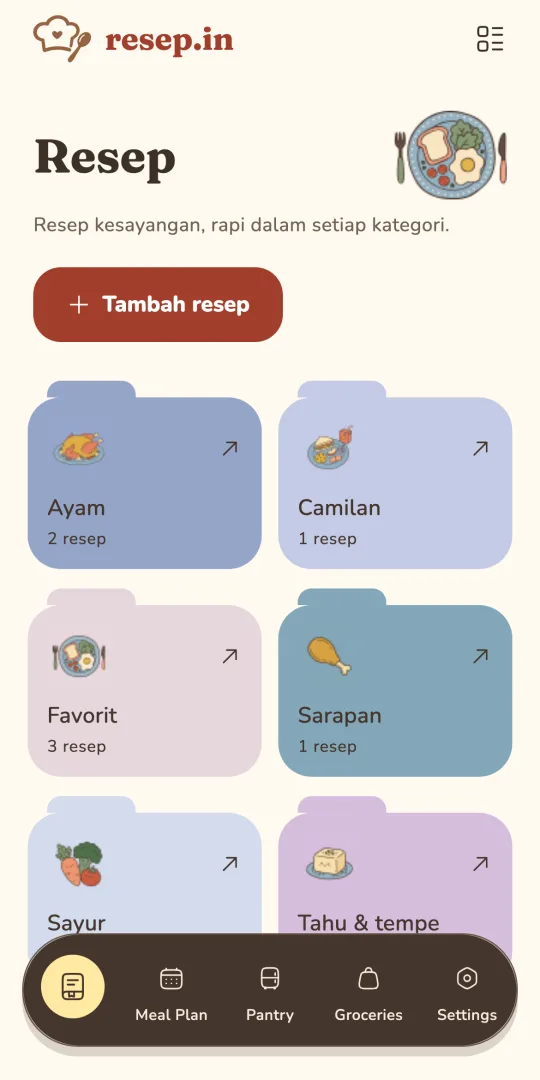
Save ingredients, steps, and photos. Organize recipes into categories so your favorites are easy to find.
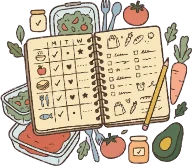
Plan your meals and keep a cooking history. You do not have to start from scratch every day.
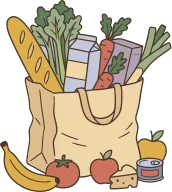
Check your pantry and build shopping lists from recipes, meal plans, or extra ingredients.
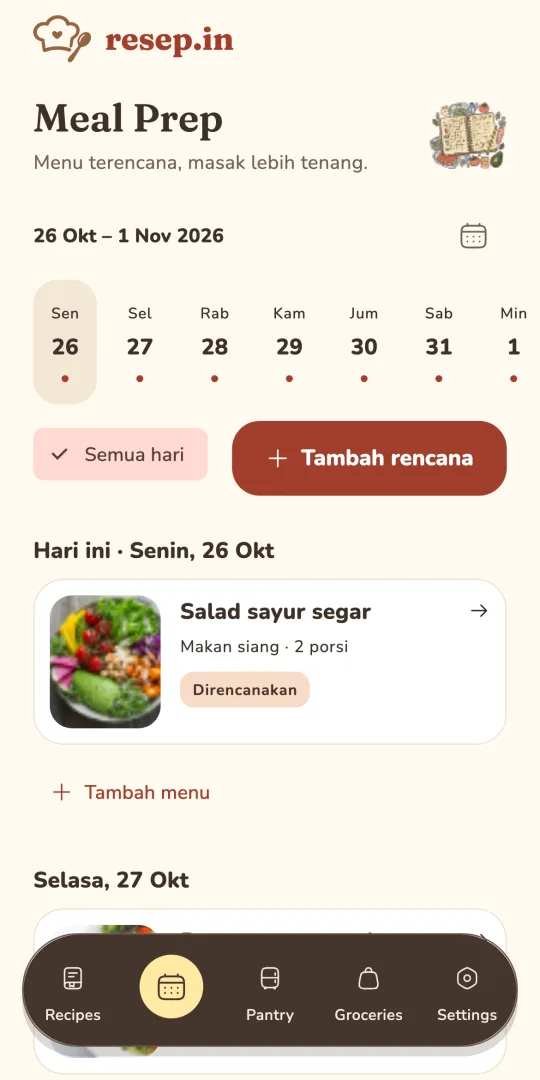
Choose a recipe, pick a day, and see what you will be cooking.
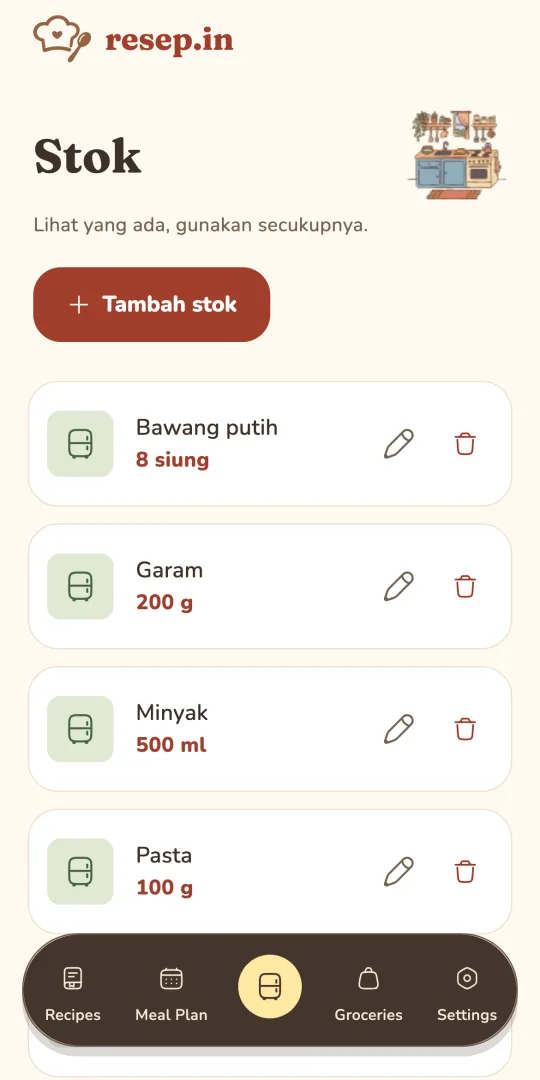
Keep track of ingredients so nothing in your pantry gets forgotten.
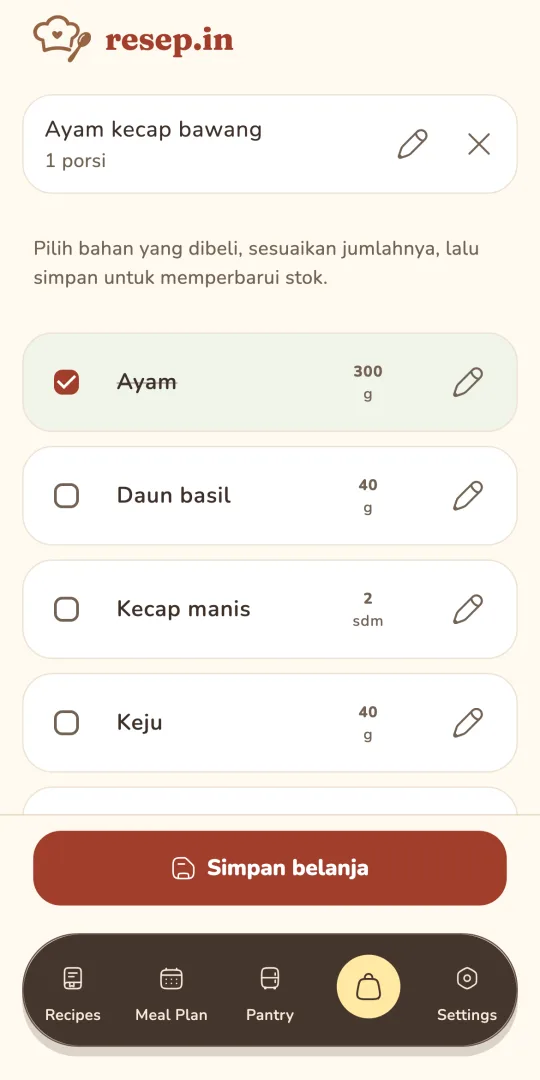
Add recipes or individual ingredients, then record your purchases to update your stock.
Screens show demo content, not user data
Core features work on your device without signing in. Encrypted backups can be saved locally or in your own Google Drive. When Premium sync is active, collection contents, photos, and recipe version history are also stored on Resep.in servers to connect devices on the same account.
Read how we handle your data →Start with your everyday recipes. Add sync and recipe version history with Premium.
For everyday cooking
Rp0free
Recipes, meal plans, and shopping on one device

Your collection, across your devices
IDR 9,900/month
or IDR 99,000/year
| Features | Free | Premium |
|---|---|---|
| Recipes, photos, and cooking steps | ||
| Categories and search | ||
| Meal plans and cooking history | ||
| Pantry and shopping lists | ||
| Local and Google Drive backup and restore | ||
| Devices per account | 1 device | Multiple devices |
| Cross-device sync | — | Multiple devicesOne Google account |
| Automatic local backup | ||
| Automatic Google Drive backup | ||
| Recipe version history | — | Up to 20 versions per recipe |
Download Resep.in and start saving your first recipes.
 Get it on Google Play
Resep.in for iPhone is on the way.
 Coming soon
Not for managing recipes, meal plans, pantry, and shopping on your device. Google sign-in is required for Google Drive backups and sync. Multi-device sync requires Premium; signing in alone does not enable automatic backups.
Yes, you can manage recipes and kitchen data on your device offline. Sign-in, subscription verification, sync, and Drive backups require an internet connection. Local backups may also need a connection for PIN verification. With Premium sync active, offline changes are sent when the app is open and connected.
Backups save an encrypted copy on your device or in Google Drive to restore later. Premium sync stores your collection, photos, and version history on Resep.in servers and connects changes across devices. Changes to the same data in multiple places need review.
Your collection is not published or shared with other accounts. With Premium sync active, collection contents, photos, and version history are stored on Resep.in servers with access restricted to your account. Drive backups are stored in your own Google Drive. Read the privacy policy for details about encryption, account data, and deletion.
Free and Premium plans are available. See pricing and plan details. The final purchase price is shown in Google Play.
Email resepin@amusfq.dev. For deletion requests, include your Google account and the data you want removed. Do not send passwords or sign-in codes. We will verify account ownership before processing your request.